How accurate is a photo?
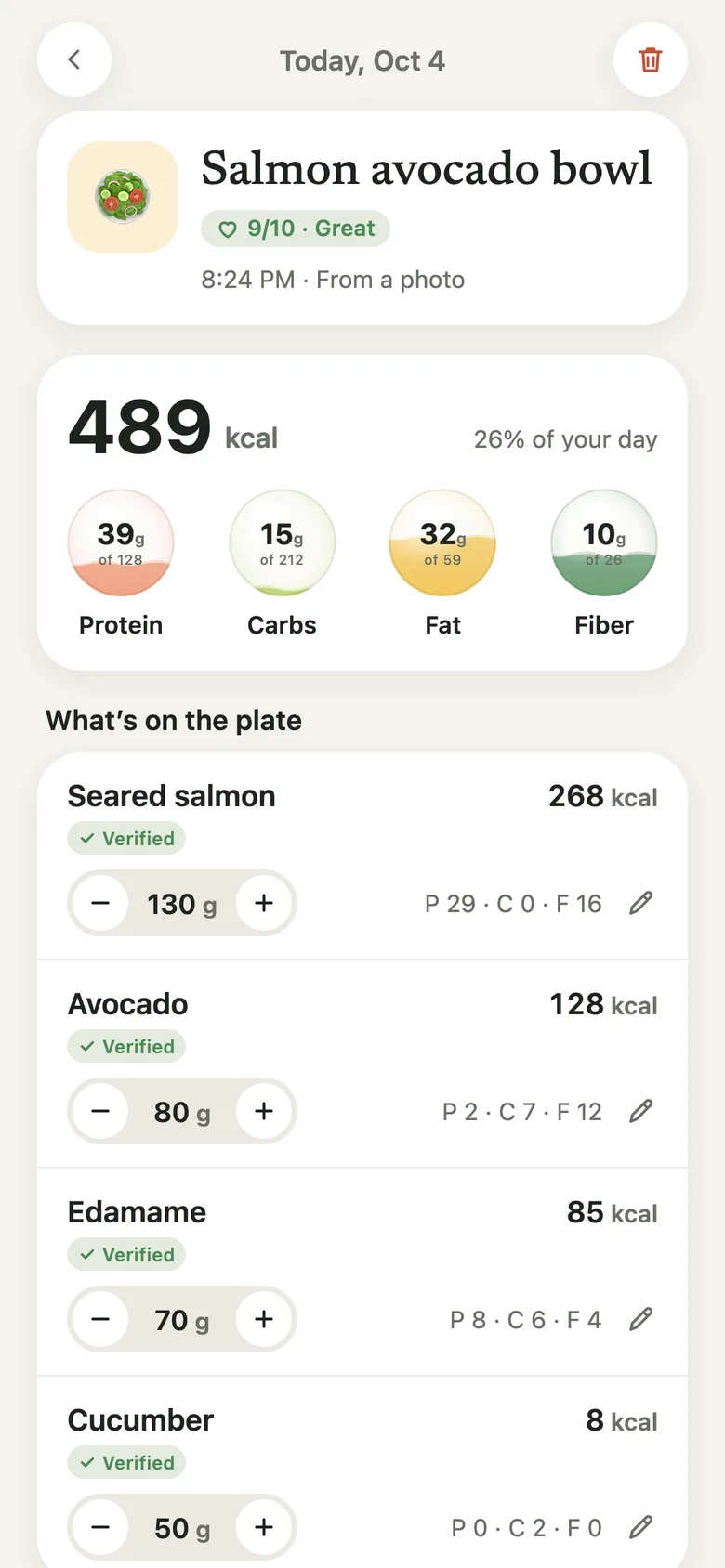
The AI names each food and estimates how much is there; the calories and macros come from USDA data whenever there’s a match. You can always see which items are verified and which are estimates, and change any of them.
Calorie & food tracker for iPhone
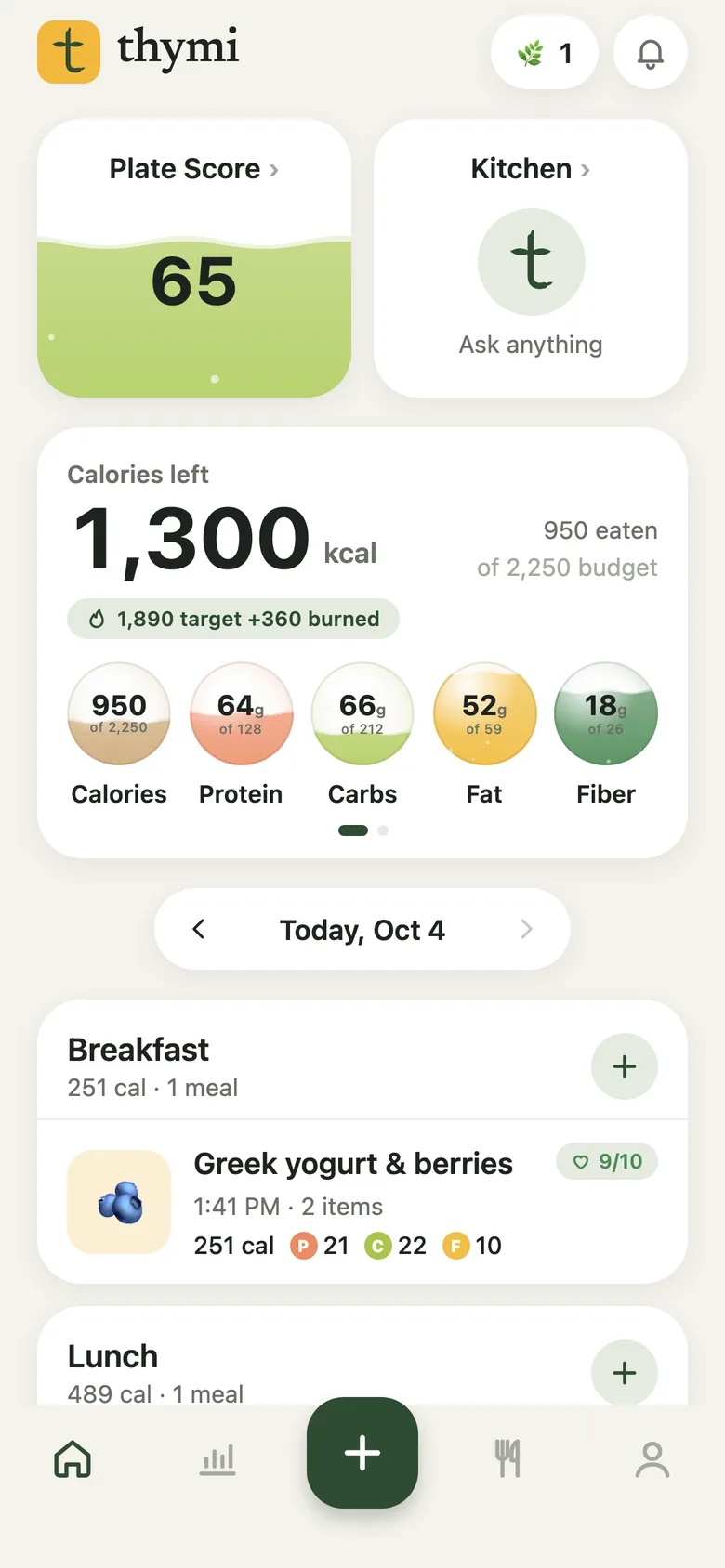
Thymi is a calorie counter and food diary that does the math for you. Take a photo of your meal, scan a barcode or type what you ate, and see calories, protein, carbs and fat in seconds, checked against USDA food data.
Try it
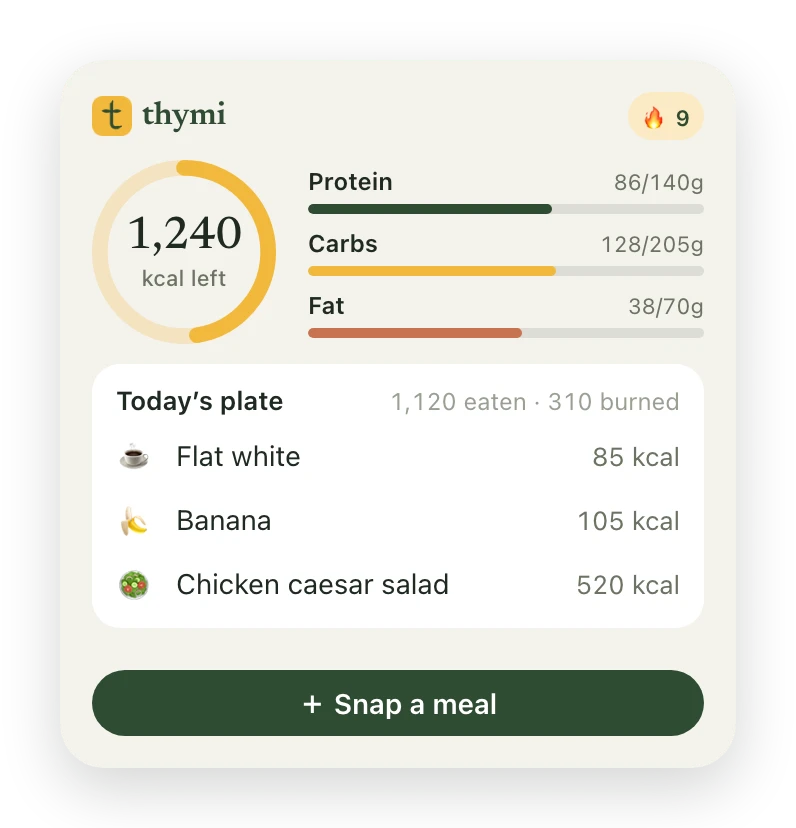
This is what Thymi does with a photo of your lunch: it finds each food, estimates the portion and adds up the calories and macros. Tap a food to take it off the plate and watch the numbers change.
Tap a food to take it off the plate.
How it works
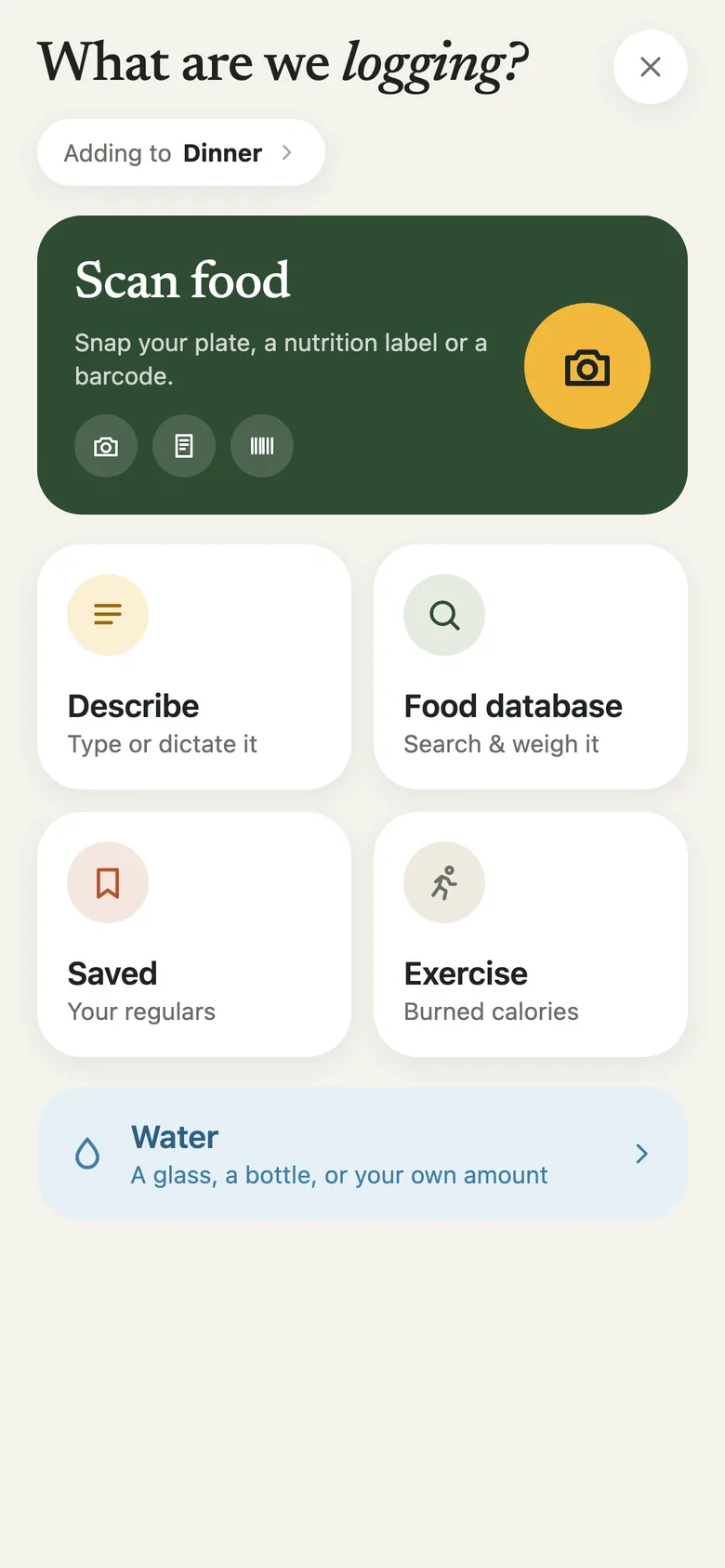
Point the camera at your plate, a barcode or a nutrition label. Or type it the way you’d text a friend: two eggs, toast with butter and a flat white
.
Each food is matched to USDA data and marked ✓ Verified, or Estimated when it’s the AI’s best guess. Something off? Tell Thymi it was 2 eggs, not 3
and it redoes the sums.
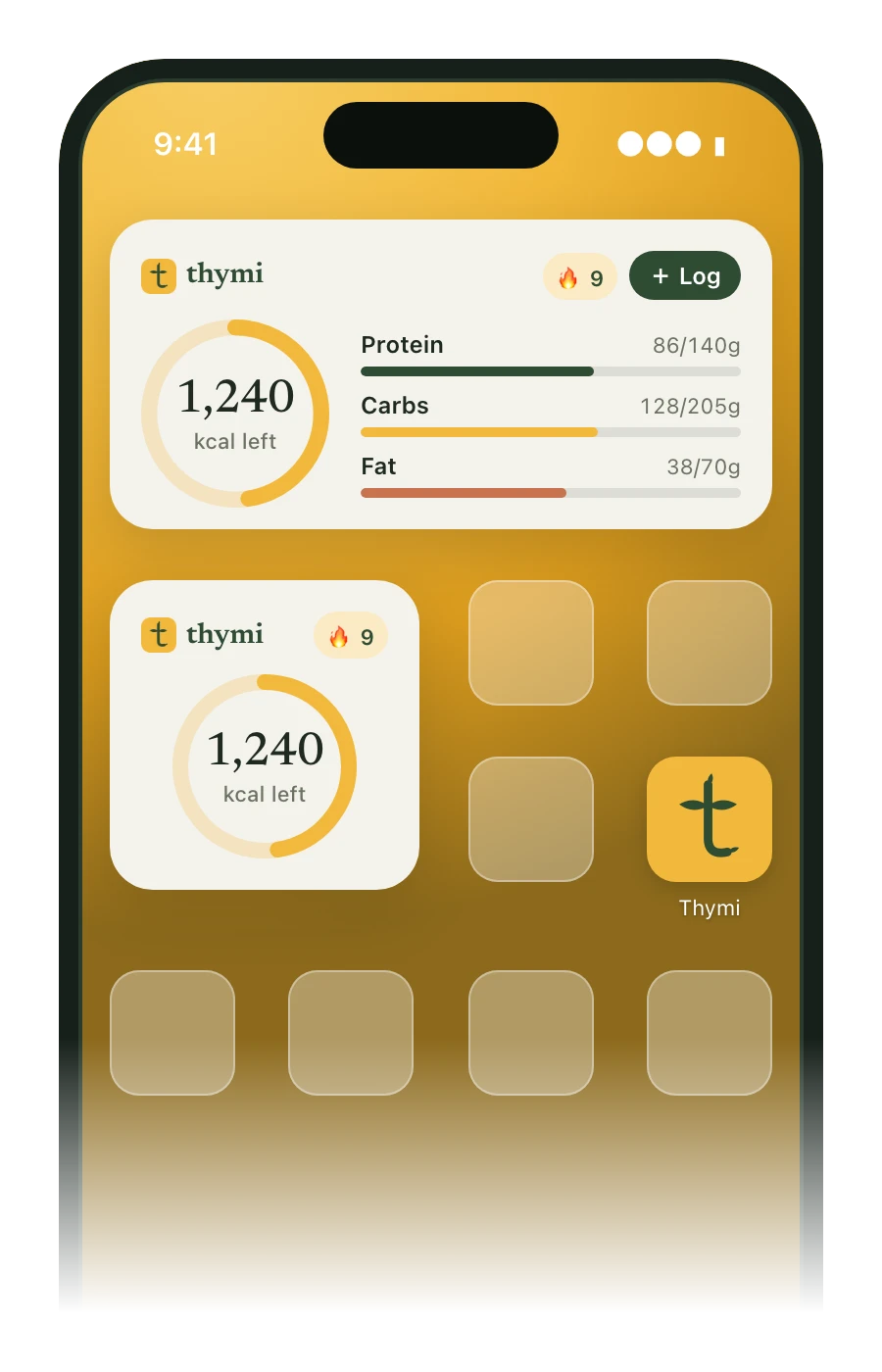
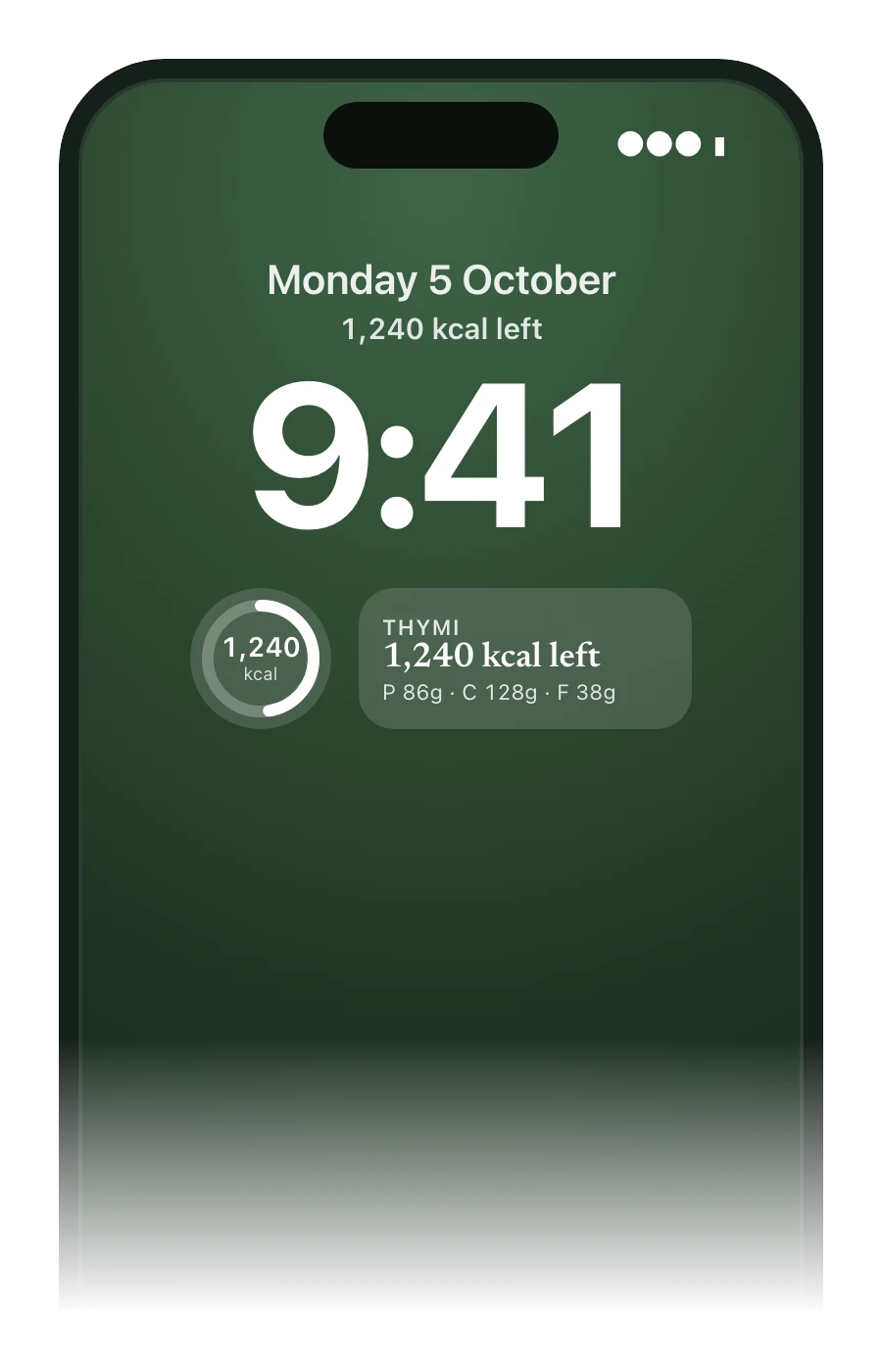
Your daily calorie target and macros fill like little jars, so you always know how much is left. A run adds calories back to your budget; unused calories can roll into tomorrow.
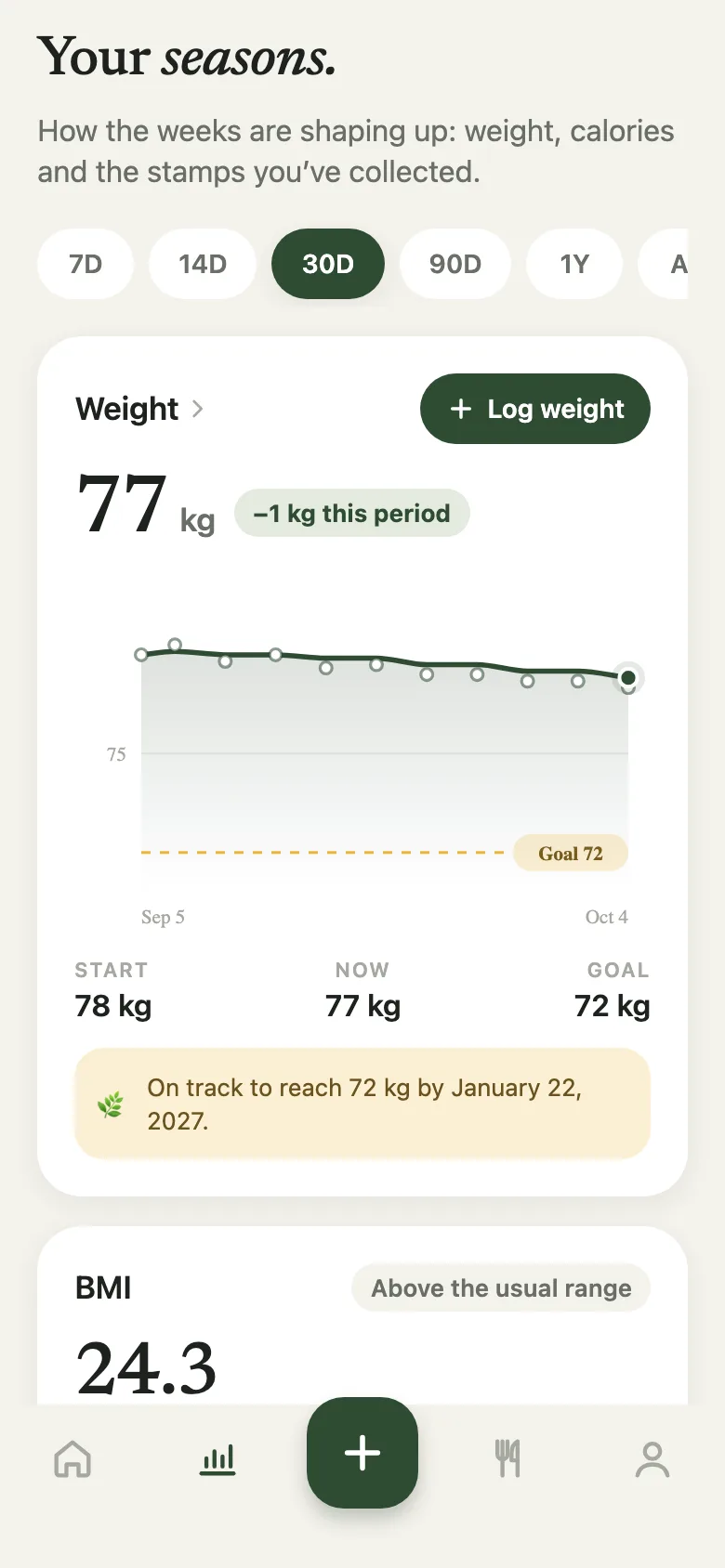
Weigh in when you like. Thymi smooths the daily wobble into a trend, shows your goal date and stamps the small wins.
What’s inside
Everything that goes into Thymi, measured.
Privacy
Thymi knows what you choose to log and uses it to help you. Here’s everything else, in the format you already trust.
FAQ
The AI names each food and estimates how much is there; the calories and macros come from USDA data whenever there’s a match. You can always see which items are verified and which are estimates, and change any of them.
No. A photo or a sentence is enough for everyday logging. If you do weigh something, type the grams and Thymi uses them.
Vegetarian, vegan, pescatarian, keto, paleo, Mediterranean, halal or kosher. Tell Thymi once; targets come from your body, activity and goal, and every number can be tuned.
Describe one (“ran 30 minutes, moderate”) or add it by hand. Thymi works out the calories from your weight and the effort, and you decide whether they count toward the day.
Thymi is built for iPhone and Android, iPhone first. Apple Health sync is on the way.
iPhone Settings → your name → Subscriptions. Pro runs to the end of the period, then you’re back on the light bite with everything you logged.
Two minutes to set up. Free to start. Your first meal is the hardest part, and it takes five seconds.
Download on theApp Store