Tracking
Scanning Food Barcodes for Calories: How It Works and Where It Goes Wrong
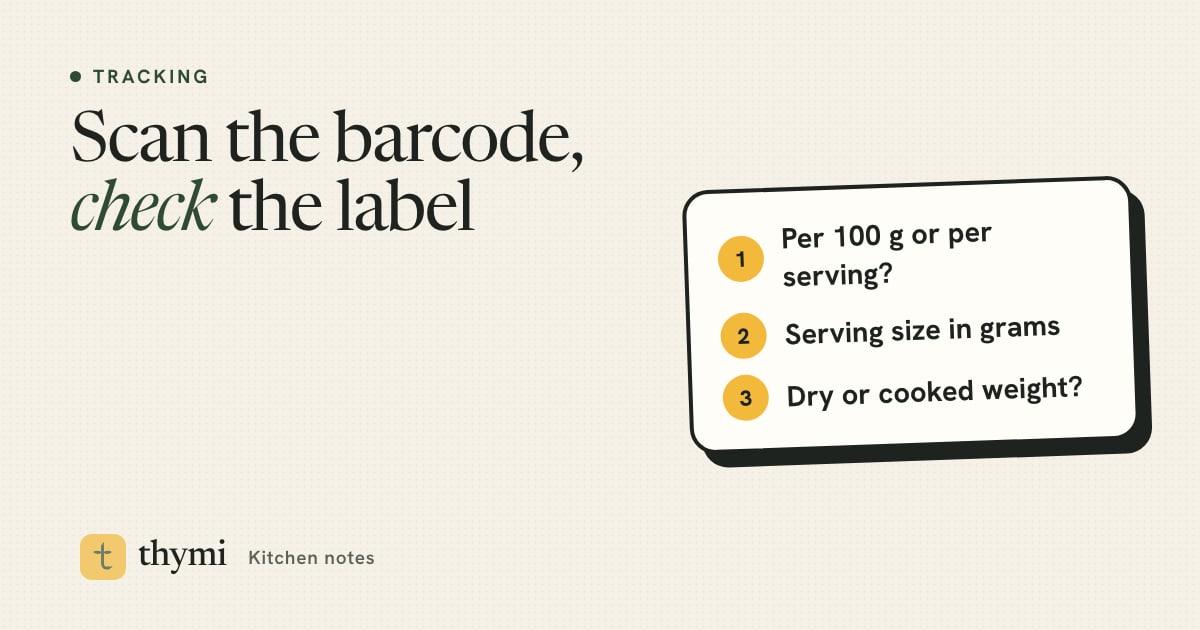
A barcode scanner calorie counter reads the number under the stripes, looks it up in a product database and fills in the calories and macros for you. It is the fastest way to log packaged food, and usually accurate, but the entry is only as good as whoever typed it in. Glance at the label once, set the right portion in grams, and a scan becomes one of the most reliable logs in your diary.
How barcode calorie scanning works
The barcode on a packet is not a list of nutrients. It is a product number, usually a 12-digit UPC in the US and Canada or a 13-digit EAN in most other countries. On its own it says nothing about calories. What it does is identify one specific product, in one specific size, from one specific company.
When you scan it in a calorie tracker, three things happen:
- The camera reads the number. Good lighting and a flat, uncreased label help. If the camera struggles, most apps let you type the digits in.
- The app looks the number up in one or more product databases.
- It returns the stored nutrition, usually per 100 g and per serving, and asks how much you ate.
That last step is where you still matter. The scan finds the food; you tell it the portion. A perfectly correct entry logged as "1 serving" when you ate half the bag is still a wrong log.
Where the nutrition data comes from
There is no single global database of every product's nutrition. Apps draw on a mix of sources, and it helps to know which kind you are looking at.
- Open, crowd-sourced databases. Open Food Facts is a free, non-profit database of packaged foods from around the world. Volunteers scan products and photograph their labels, and the community transcribes the ingredients and nutrition table. It is a remarkable public resource, and like any crowd-sourced project it has gaps and the occasional typo.
- Government data. The USDA's FoodData Central includes a Branded Foods dataset with label data for many US products, supplied by manufacturers, alongside its lab-based data for generic foods such as eggs, rice and apples.
- User-added entries inside an app. Some apps let any user create a product and attach a barcode to it. That fills gaps quickly, but quality varies a lot from entry to entry.
In Thymi, every logged item is matched to USDA FoodData Central or Open Food Facts and labelled Verified or Estimated, so you can see at a glance which numbers deserve a second look. If you are comparing apps on this point, our guide on how to choose a calorie tracker app covers what else to look for.
Six ways a barcode scan goes wrong
Most scans are fine. When one is off, it is usually for one of these reasons.
1. A wrong or outdated entry
Someone mistyped a number, or the product was reformulated after the entry was created. Manufacturers change recipes, cut sugar, add fiber or shrink the pack, often without changing the barcode. The database may still show the old version.
2. Per 100 g and per serving mixed up
This is the most common big error. A cereal that is about 380 kcal per 100 g and 115 kcal per 30 g serving can end up in a database with the per-100 g number filed as the per-serving one. Log "one serving" and you have tripled your breakfast. It works the other way too, which quietly makes food look lighter than it is.
3. The same product, a different recipe
A brand's biscuits, soft drink or yogurt can be made differently in different countries, with more or less sugar, a different fat or a sweetener. If the entry was created from a pack bought elsewhere, it may not match the one in your hand. Check the label if you live outside the country where most of a database's entries come from.
4. Multipacks and outer cartons
A box of six snack bars or a crate of yogurt pots often has one barcode on the outer pack and another on each item. Scan the carton and the entry might describe the whole box, or a single item, or "1 serving" that means something else again. Scan the thing you are actually eating where you can.
5. Cooked vs dry weight
Pasta, rice, oats, lentils and couscous are labelled as sold: dry. Dry pasta is roughly 350–370 kcal per 100 g; cooked, it absorbs water and drops to roughly 150–160 kcal per 100 g, based on USDA FoodData Central values. If you weigh your cooked pasta and log it against the dry entry, you more than double the calories. Our guide to calories in rice, cooked vs uncooked walks through the same issue with rice.
6. The label itself has a margin
Even a perfect transcription can only be as precise as the label. US rules let manufacturers round calories (to the nearest 5 kcal up to 50, and to the nearest 10 above that), and FDA enforcement allows some natural variation between batches. For everyday tracking this is small noise. It is a good reason not to agonize over single-digit differences.
Good to know: none of this makes barcode logging unreliable. A checked barcode entry for a packaged food is usually more accurate than an estimate of a home-cooked dish. The point is to catch the rare entry that is badly off, not to distrust every scan. For more traps like these, see 14 calorie counting mistakes.
How to check a scanned entry in 10 seconds
You do not need to audit every scan. Check the first time you log a product, then save it and trust it. Here is the quick version:
- Compare calories per 100 g. This is the most reliable line to match because it does not depend on anyone's idea of a serving. If the label says 452 kcal per 100 g and the app says 452, you are done.
- Check the serving size in grams. If you log by serving, make sure the app's serving weight matches the pack's. A "serving" of 30 g on the label and 40 g in the app is a 33% difference.
- Glance at protein, carbs and fat. If one is wildly off, say 2 g protein on a high-protein yogurt, the entry may be for a different product.
- Sense-check with the 4-4-9 rule. Protein and carbs give about 4 kcal per gram and fat about 9. Multiply and add. If the total is far from the calories shown, something has been mistyped. Fiber and sugar alcohols make this approximate, so look for big gaps, not small ones.
- Make sure it is the same product. Name, flavor and pack size should match. "Original" and "light" versions can share a page in some databases.
If you are not sure how to find these numbers on a pack, our guide on how to read a nutrition facts label explains serving size, calories and each nutrient line, including how UK and EU labels differ.
Tip: if an entry is wrong, do not just remember to "add a bit". Correct it once. Log the right portion in grams, create a custom food from the label, or use a fresh scan of the label photo, so every future log of that product is right.
When there is no barcode or it is not found
Bakery bread, deli counters, farmers' market food, imported snacks and brand-new products often have no barcode, or one that no database knows yet. You still have good options:
- Photograph the nutrition label. If the pack has a nutrition table but the barcode is unknown, a photo of the label gives you the exact numbers without typing. In Thymi, a label photo reads the panel and fills in the food for you.
- Describe it. Type or say what it is: "a slice of seeded sourdough from the bakery, about 50 g". A description gives a sensible estimate when there is no label at all. Our guide to logging food with a photo covers the photo route for plates and unlabeled food.
- Create a custom food. For something you buy every week, enter the label values once, per 100 g, and save it. From then on it takes seconds.
- Pick a close generic match. A plain croissant from a café is close enough to a database "croissant, butter" entry. Choose the entry with a similar weight and adjust the grams.
Whatever you choose, logging a reasonable estimate beats skipping the food. Gaps in a food diary hurt your data more than small errors do, a point we make in our guide on how to keep a food diary.
Tips for weighing packaged food
A barcode gets you the right food. A kitchen scale gets you the right amount. You do not need to weigh forever, but a few weeks of weighing teaches your eye what a portion looks like.
- Use grams, not "servings". Weigh your bowl of cereal, tare to zero, and log the number you see. It avoids every per-serving mix-up in one move.
- Weigh the pack, not the food, for things that are hard to scoop. Put the jar of peanut butter on the scale, tare it, take your spoonful, and the negative number is what you ate. This works for nut butters, honey, cereal, ice cream and pouring oil.
- Weigh dry, log dry. For pasta, rice and oats, weigh before cooking and log against the dry entry from the barcode. If you batch-cook, weigh the whole cooked pot once and divide by the number of portions.
- Mind drained weight. Canned beans, tuna and vegetables often list a drained weight. If you drain them, use the drained figure and the matching nutrition column.
- Divide whole packs. A 400 g tub of soup split into two bowls is 200 g each. No scale needed.
- Know the "per pack" line. US labels on some packs that could be eaten in one or two sittings show a second column for the whole package. Use it if you finish the bag.
No scale today? Our guide to estimating portion sizes without a food scale has hand and cup references that work well enough.
Good scanning habits that save time
- Scan the first time, save it after. Most people buy the same 20 or 30 products. Once they are saved and checked, logging packaged food takes seconds.
- Scan before you open it, while the barcode is flat and the label is clean.
- Log mixed meals as parts. A ready meal scans well on its own. A sandwich of bread, ham and cheese logs best as three scanned items with their own weights.
- Correct in plain words. In Thymi, Fix it lets you say "it was 60 g, not one serving" and the log updates.
- Do not let the scanner become the only food you log. It is easy to track packaged snacks perfectly and skip the home-cooked dinner because it has no barcode. The dinner usually matters more. Our beginner's guide on how to count calories covers the whole day.
Frequently asked questions
Are barcode scanner calorie counts accurate?
Usually, yes. A barcode entry that matches the label is one of the most accurate logs you can make. Errors come from mistyped or outdated database entries, per 100 g and per serving values mixed up, or the wrong portion. Check calories per 100 g against the label the first time you log a product.
Why does the barcode scan show different calories from the label?
The entry may be outdated after a recipe change, created from a version sold in another country, or have the per serving and per 100 g values swapped. Trust the label in your hand, then fix the entry by logging grams or creating a custom food.
What should I do if a barcode is not found?
Photograph the nutrition label if there is one, create a custom food from the label values, describe the food in words, or choose a close generic match and adjust the grams. Logging a reasonable estimate is better than skipping the food.
Should I log cooked or dry weight for pasta and rice?
Barcode entries for pasta, rice and oats are almost always for the dry product. Either weigh it dry before cooking and use the barcode entry, or weigh it cooked and use a cooked entry. Mixing the two can more than double or halve the calories.
Is barcode scanning free in Thymi?
Yes. Barcode scanning, food search and manual logging are unlimited on Thymi's free plan. Photo, label and describe logging are AI logs, with 3 a day free and unlimited on Pro.
This article is general information for healthy adults, not medical or nutritional advice. Talk to a doctor or registered dietitian before changing how you eat, especially if you are pregnant or breastfeeding, have or have had an eating disorder, have a medical condition, or take medication.